
Model performance optimization
SHAPE’s model performance optimization service improves accuracy, latency, and cost efficiency for ML and LLM systems by combining evaluation, profiling, serving improvements, and ongoing monitoring. The page explains optimization levers, common use cases, and a step-by-step production playbook.

Service page • AI & Data Engineering • Model performance optimization
Model Performance Optimization: Improving Accuracy, Latency, and Cost Efficiency
Model performance optimization is how SHAPE helps teams improve accuracy, latency, and cost efficiency across ML and LLM systems—so models are not only “good in eval,” but fast, stable, and affordable in production. We tune models, data, prompts, and serving architecture to meet real product SLAs and budget constraints, while keeping quality measurable over time.
Talk to SHAPE about model performance optimization

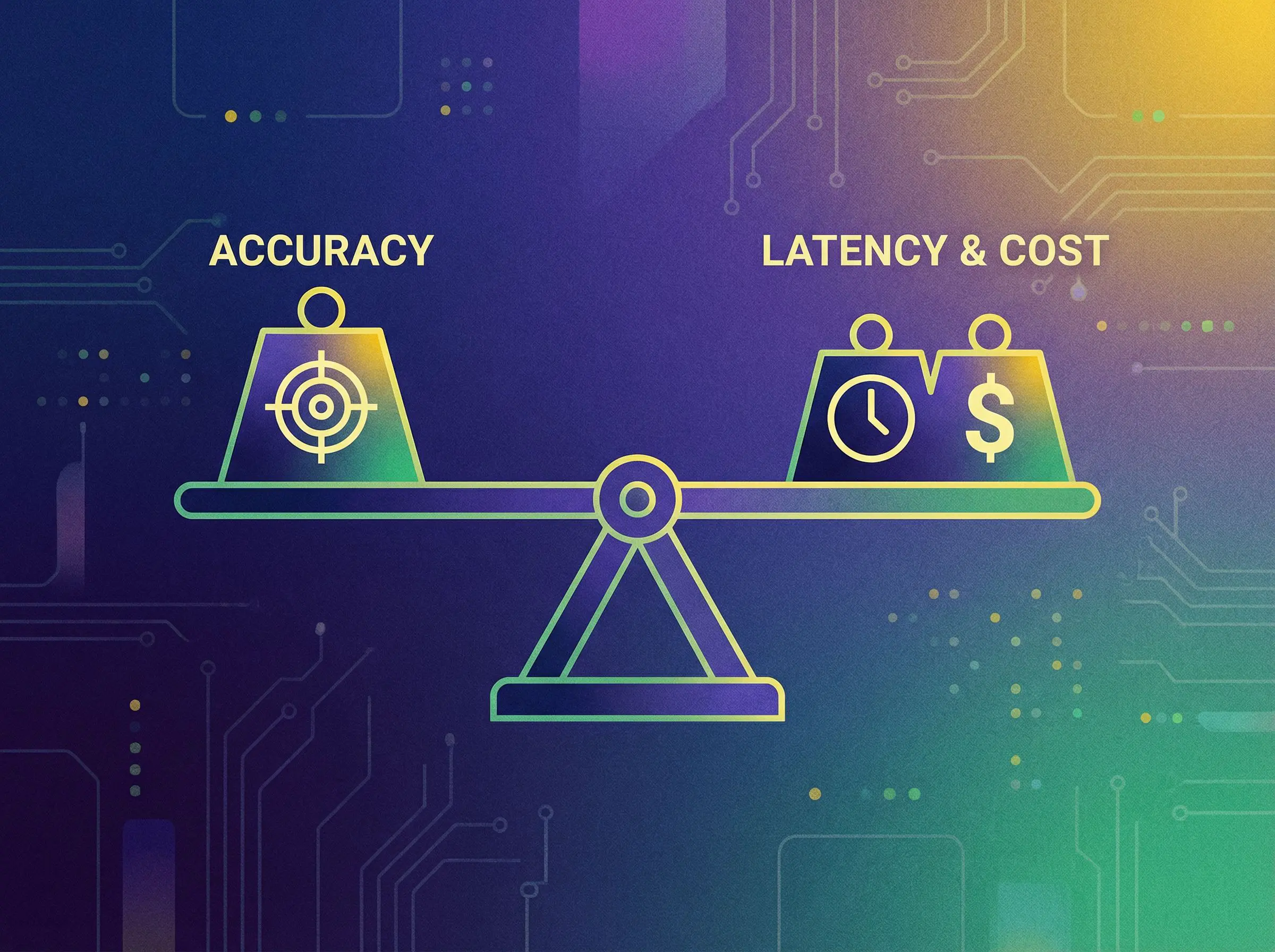
High-performing AI is a balance: improve accuracy, reduce latency, and control cost efficiency with measurement and iteration.
Table of contents
- What SHAPE delivers
- What is model performance optimization (and what it isn’t)?
- Why improving accuracy, latency, and cost efficiency matters
- Optimization levers you can actually pull
- Use case explanations
- Step-by-step tutorial: optimize a model in production
What SHAPE delivers: model performance optimization
SHAPE delivers model performance optimization as a production engineering engagement with one outcome: improving accuracy, latency, and cost efficiency for the model behaviors your product depends on. We don’t optimize in isolation—we optimize against real-world constraints (SLAs, throughput, budgets, and safety requirements) with a measurable evaluation loop.
Typical deliverables
- Performance baseline: current accuracy/quality, latency p50/p95/p99, throughput, and cost per request/job.
- Evaluation suite: test sets, golden prompts (for LLMs), slice analysis, and regression gates tied to product outcomes.
- Inference profiling: tracing and bottleneck analysis (tokenization, retrieval, model compute, network, post-processing).
- Optimization plan: prioritized roadmap across data, model, and serving levers—mapped to impact vs effort.
- Serving improvements: caching, batching, concurrency tuning, fallbacks, and safe rollout patterns.
- Cost controls: routing, model selection, token budgets, and monitoring for cost efficiency drift.
- Monitoring and alerts: dashboards and runbooks so accuracy, latency, and cost efficiency stay healthy after launch.
Rule: If you can’t answer “Is it still accurate, fast, and affordable today?” you don’t yet have model performance optimization—you have a one-time tuning effort.
Related services (internal links)
Model performance optimization is strongest when monitoring, deployment discipline, and integration surfaces are aligned. Teams commonly pair improving accuracy, latency, and cost efficiency with:
- AI pipelines & monitoring to keep quality stable with drift detection and production visibility.
- Model deployment & versioning for safe rollouts, comparisons between versions, and rollback discipline.
- Machine learning model integration to connect models to product workflows with measurable outcomes.
- LLM integration (OpenAI, Anthropic, etc.) for tool calling, guardrails, and production orchestration.
- Data pipelines & analytics dashboards to instrument outcomes, labels, and cost reporting end-to-end.
What is model performance optimization (and what it isn’t)?
Model performance optimization is the practice of systematically improving a model’s real-world utility by improving accuracy, latency, and cost efficiency—at the same time, not one at the expense of the others. In production, “performance” includes both model quality and system behavior.
Model performance optimization is not “only raising an offline score”
A model that looks strong in a notebook can still fail users if it times out, costs too much, or degrades under changing data. SHAPE treats optimization as a production loop: measure → change → validate → roll out → monitor.
What “performance” means in practice
- Accuracy/quality: task success, correctness, groundedness, safety policy adherence (as applicable).
- Latency: time-to-first-token (LLMs), end-to-end response time, batch runtime, tail latency.
- Cost efficiency: $/request, $/1K tokens, $/job, GPU utilization, and total cost of ownership.
Production optimization is multi-objective. The best teams set targets for accuracy, latency, and cost efficiency—and ship changes that improve the whole system.
Why improving accuracy, latency, and cost efficiency matters
Model performance optimization is often the difference between an AI feature that users trust and one that quietly gets ignored. When you improve accuracy, latency, and cost efficiency, you unlock adoption and sustainability at scale.
Business outcomes you can measure
- Higher adoption when responses are fast enough for real workflows (latency meets UX expectations).
- Better outcomes when outputs are accurate and consistent (fewer escalations and overrides).
- Lower spend when cost efficiency improves (less waste, smarter routing, right-sized infrastructure).
- Fewer incidents with monitoring and release gates that prevent regressions.
Common failure modes we eliminate
- Great quality, unusable latency: “It’s accurate, but users won’t wait.”
- Fast, but wrong: “It responds quickly, but creates rework.”
- Accurate and fast, but too expensive: “The feature can’t scale financially.”
- Silent regressions: “Prompt/model changes degrade quality without anyone noticing.”
Optimization levers: how we improve accuracy, latency, and cost efficiency
There is no single magic setting. SHAPE improves accuracy, latency, and cost efficiency by choosing the simplest lever that produces measurable lift—then locking it in with evaluation and monitoring.
Accuracy levers (quality and correctness)
- Better evaluation: task-specific metrics, rubric scoring, and slice analysis to find where quality breaks.
- Data improvements: label quality, class balance, deduplication, and domain coverage.
- Prompt and schema discipline (LLMs): clearer instructions, structured outputs, and grounded answer policies.
- Retrieval tuning (RAG): chunking, metadata filters, and citation requirements (often paired with RAG systems (knowledge-based AI)).
- Post-processing: validation, constraints, and safety checks that reduce “confidently wrong” outputs.
Latency levers (make it fast enough for product)
- Serving architecture: reduce network hops, improve concurrency, and right-size compute.
- Batching: micro-batching for throughput without breaking latency budgets.
- Caching: prompt/result caching, embedding caching, and retrieval caching for repeated queries.
- Model/runtime choices: pick the right model class for the job, not the biggest model available.
- Streaming output (LLMs): improve perceived speed while keeping correctness checks in place.
Cost-efficiency levers (reduce spend without breaking quality)

- Routing: send easy requests to cheaper/faster models and hard cases to stronger models.
- Token budgets: cap prompt size, compress context, and enforce structured responses.
- Distillation / quantization: reduce compute while maintaining acceptable accuracy (when applicable).
- Observability: track cost per endpoint, per version, per tenant, and per workflow to prevent drift.

Optimization is a trade space: choose targets, measure outcomes, and iterate with controlled rollouts.
Practical rule: If you can’t measure accuracy, latency, and cost efficiency in the same dashboard, you can’t optimize responsibly.
Use case explanations
1) Your LLM feature is accurate—but too slow for users
We profile the end-to-end path (retrieval, model, tools, post-processing) and reduce tail latency with caching, batching, and runtime tuning. Model performance optimization here focuses on improving accuracy, latency, and cost efficiency without making answers less trustworthy.
2) Costs are spiking as usage grows
We implement cost observability, enforce token budgets, and add routing so the system uses stronger models only when needed. This is the fastest path to cost efficiency while preserving quality and UX latency.
3) Quality is inconsistent across user segments
We add slice-based evaluation (by locale, device, product category, user tier) and target the data/prompt/retrieval gaps causing failures. This improves accuracy where it matters—without over-optimizing the average.
4) You’re shipping updates, but regressions slip into production
We create regression gates, shadow/canary rollouts, and per-version comparisons—often paired with Model deployment & versioning—so model performance optimization becomes safe and repeatable.
5) You can’t tell if the model is getting worse over time
We implement monitoring for quality proxies, drift signals, latency, and cost efficiency. When needed, we pair with AI pipelines & monitoring so improving accuracy, latency, and cost efficiency becomes an ongoing operating loop.
Start a model performance optimization engagement
Step-by-step tutorial: optimize a model in production
This playbook reflects how SHAPE runs model performance optimization with a focus on improving accuracy, latency, and cost efficiency in production—without guesswork.
-
Step 1: Define the target behavior and the “good enough” thresholds
Write the user job and the acceptance thresholds for accuracy, latency (p95/p99), and cost efficiency (cost per request/job). Include what failure looks like (wrong answer, timeout, over-budget).
-
Step 2: Establish a baseline you can trust
Measure current performance using a repeatable evaluation suite and real production traces. If you can’t reproduce results, you can’t optimize them.
-
Step 3: Instrument the full path (not just the model)
Add tracing and metrics for each stage: input validation, retrieval, model compute, tool calls, post-processing, and response formatting. This makes latency and cost drivers obvious.
-
Step 4: Identify bottlenecks and choose the simplest lever
Pick the smallest change that improves one dimension without harming the others—e.g., caching, token reduction, retrieval filters, batching, or model routing.
-
Step 5: Improve accuracy with targeted fixes
Use failure examples to guide changes: better prompts and structured outputs, improved retrieval grounding, or data improvements. Tie every change to measurable accuracy lift.
-
Step 6: Reduce latency without breaking correctness
Apply performance controls (batching, caching, concurrency tuning) and verify tail latency. Keep safe fallbacks for timeouts so the product remains usable.
-
Step 7: Improve cost efficiency with guardrails
Implement token budgets, routing, and cost dashboards. Confirm cost per request decreases while accuracy and latency remain within thresholds.
-
Step 8: Roll out safely (shadow → canary → full)
Ship changes progressively and compare versions. If you need strong release discipline, pair with Model deployment & versioning.
-
Step 9: Monitor continuously and prevent regressions
Set alerts for drops in quality proxies, spikes in latency, and drift in cost efficiency. Create runbooks and ownership so optimization remains stable after launch.
Practical tip: The fastest path to sustainable model performance optimization is a weekly review loop: top failures, top latency drivers, and top cost drivers—then ship one measured fix.
Talk to SHAPE about improving accuracy, latency, and cost efficiency
Who are we?
Shape helps companies build an in-house AI workflows that optimise your business. If you’re looking for efficiency we believe we can help.

Customer testimonials
Our clients love the speed and efficiency we provide.


FAQs
Find answers to your most pressing questions about our services and data ownership.
All generated data is yours. We prioritize your ownership and privacy. You can access and manage it anytime.
Absolutely! Our solutions are designed to integrate seamlessly with your existing software. Regardless of your current setup, we can find a compatible solution.
We provide comprehensive support to ensure a smooth experience. Our team is available for assistance and troubleshooting. We also offer resources to help you maximize our tools.
Yes, customization is a key feature of our platform. You can tailor the nature of your agent to fit your brand's voice and target audience. This flexibility enhances engagement and effectiveness.
We adapt pricing to each company and their needs. Since our solutions consist of smart custom integrations, the end cost heavily depends on the integration tactics.


