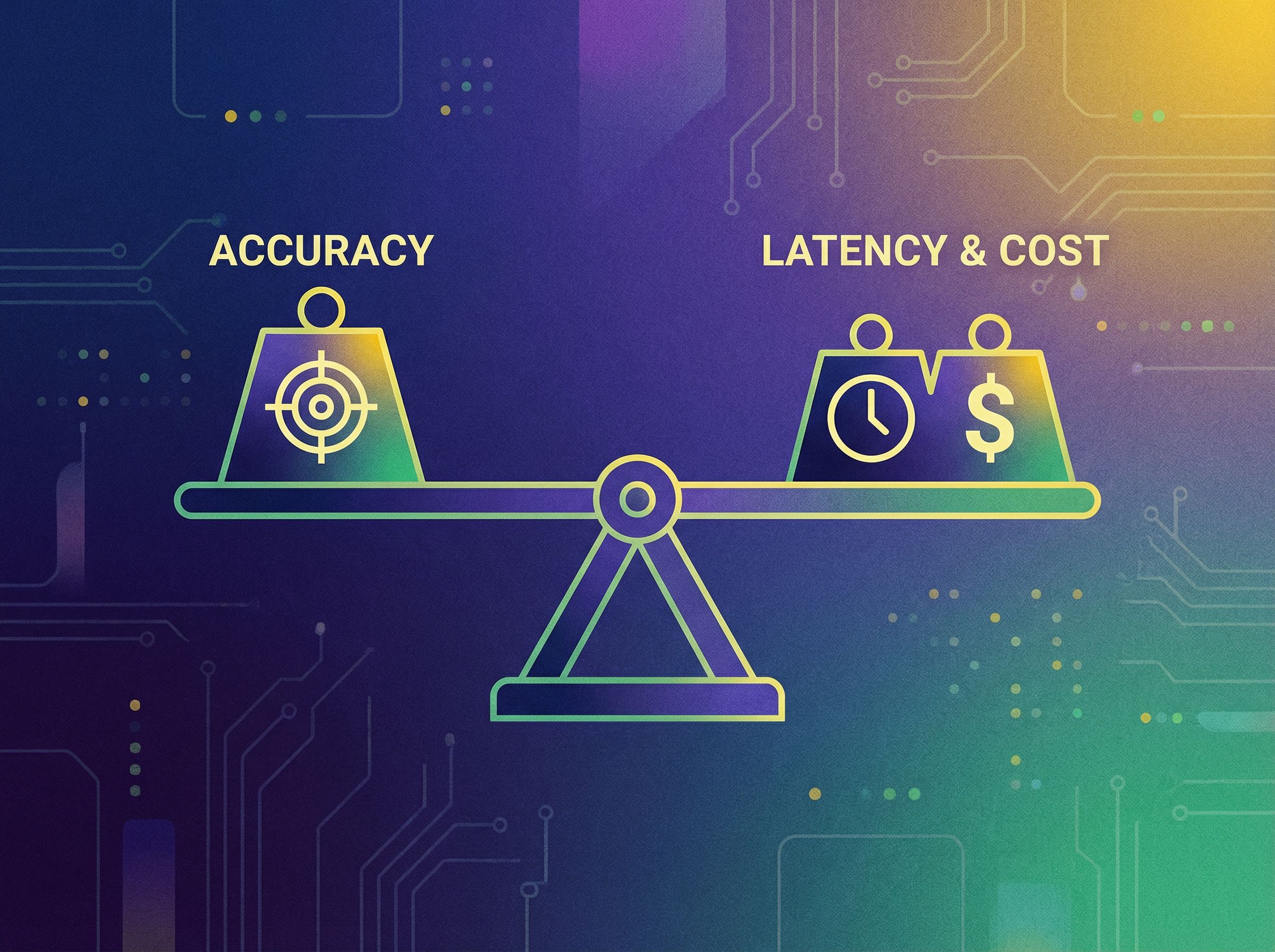
Performance & load testing
SHAPE’s performance & load testing service tests scalability and stability under load by simulating realistic traffic, identifying bottlenecks across app/API/DB layers, and delivering actionable fixes and regression gates.

Performance & load testing is how SHAPE helps teams validate real-world speed, throughput, and resilience by testing scalability and stability under load before customers feel it. We simulate realistic traffic patterns, find the bottlenecks that cause slowdowns and outages, and turn results into actionable fixes—so your product meets SLAs during launches, peaks, and steady growth.

Load tests reveal what breaks first—so you can fix it before real users hit peak traffic.
Performance & load testing overview
Performance problems usually don’t show up in a demo. They show up at the worst moment: a product launch, a big customer onboarding, an email campaign, or a seasonal peak. Performance & load testing prevents those surprises by testing scalability and stability under load using realistic scenarios and measurable thresholds.
- We test the system (not just one endpoint): app, API, database, cache, queues, and third-party dependencies.
- We test what matters: p95/p99 latency, throughput, error rate, saturation, and recovery behavior.
- We deliver fixes: profiling, tuning, caching, database improvements, and safe rollout recommendations.
Practical rule: If you haven’t tested scalability and stability under load, you don’t know your capacity—you only know your assumptions.
Related services (internal links)
Performance & load testing is strongest when it connects to build systems, observability, and reliable APIs. Teams commonly pair it with:
- DevOps, CI/CD pipelines to run performance checks automatically and block regressions before release.
- Cloud architecture (AWS, GCP, Azure) to right-size scaling, networking, and resilience patterns.
- API development (REST, GraphQL) to stabilize contracts and reduce latency hotspots.
- Data pipelines & analytics dashboards to measure performance alongside business KPIs and user impact.
- Manual & automated testing to align performance checks with broader release quality gates.
What is performance & load testing?
Performance & load testing is the practice of measuring how an application behaves as demand increases—by testing scalability and stability under load. It answers questions like:
- How fast is the system for real users at normal traffic?
- What happens at peak traffic (and how close are we to it)?
- Where are the bottlenecks (app code, DB, cache, network, third parties)?
- When something fails, does it fail safely—and recover predictably?
In production, “performance” is multi-dimensional:
- Latency: how long requests take (p50/p95/p99, not just averages)
- Throughput: how many requests/transactions per second the system can handle
- Error rate: timeouts, 5xx, and functional failures under load
- Resource saturation: CPU, memory, I/O, DB connections, queue depth
Performance is a user experience. Load testing makes that experience measurable by testing scalability and stability under load.
Why testing scalability and stability under load matters
Teams often discover capacity limits after customers do—when slow pages, timeouts, and errors become visible. Performance & load testing flips that timeline by creating an evidence-based capacity profile before high-risk moments.
Measurable outcomes
- Fewer incidents during launches by validating peak readiness.
- Lower p95/p99 latency by identifying and fixing bottlenecks with data.
- Higher throughput without sacrificing correctness.
- Clear capacity planning: “how many users/requests can we handle today?”
- Regression prevention by putting performance checks into CI/CD.
Common failure modes we prevent
- Database saturation: slow queries, lock contention, connection pool exhaustion
- Cache stampedes: cache misses under load causing DB collapse
- Thread/worker starvation: CPU spikes, event loop blocking, queue backlog
- Third-party bottlenecks: payment, email, auth, or webhook providers causing cascading failures
- Bad retry behavior: retry storms that amplify minor errors into outages

Under load, small inefficiencies become outages. Load testing exposes the turning point.
Performance & load testing types (and what each tells you)
Different questions require different tests. SHAPE designs performance & load testing around the decision you need to make—always centered on testing scalability and stability under load.
Load testing (expected traffic)
Simulates normal-to-peak usage to confirm you meet SLAs at realistic concurrency and throughput. This is the baseline for testing scalability and stability under load.
Stress testing (beyond expected traffic)
Pushes past normal peaks to find breaking points and failure behavior. Useful for knowing what happens when marketing “overperforms.”
Spike testing (sudden surges)
Simulates rapid traffic spikes (e.g., flash sale, push notification). Validates autoscaling response, caching behavior, and queue handling.
Soak / endurance testing (long duration)
Runs sustained load for hours to detect memory leaks, slow degradation, log growth, and resource exhaustion over time.
Concurrency vs throughput vs latency (how to interpret results)
- Concurrency: how many users/requests are in-flight at the same time
- Throughput: the rate of completed work (RPS, jobs/min, transactions/sec)
- Latency: how long work takes (watch p95/p99 for user impact)
Practical rule: Average response time can look fine while p95/p99 is terrible. Load testing should always report percentiles when testing scalability and stability under load.
How SHAPE delivers performance & load testing
We treat performance as a production discipline: test design → execution → bottleneck isolation → fixes → retest. The goal stays consistent: testing scalability and stability under load with actionable outputs, not just charts.
1) Define scenarios that match real user behavior
- Critical journeys (login, search, checkout, report generation, integrations)
- Realistic distribution (read/write mix, cache hit rates, background jobs)
- Think time and concurrency patterns (steady, ramp, spike)
2) Set performance targets and guardrails (SLOs)
- Latency targets (p95/p99)
- Error rate ceilings
- Throughput goals
- Infrastructure saturation thresholds
3) Instrument the system so results explain “why”
Load tests are only useful if you can attribute bottlenecks. We align tracing/logging/metrics so teams can diagnose quickly—often paired with DevOps, CI/CD pipelines and observability practices.
4) Execute tests, analyze bottlenecks, and recommend fixes
- DB query profiling and indexing recommendations
- Caching strategy and cache stampede prevention
- Concurrency limits and connection pool tuning
- Queue, worker, and backpressure improvements
- Autoscaling and capacity tuning
5) Retest and lock in performance regression gates
We validate improvements by rerunning the same scenarios. For long-term stability, we help teams add performance regression checks into pipelines so performance doesn’t drift release to release.
Use case explanations
Below are common scenarios where teams engage SHAPE specifically for performance & load testing and testing scalability and stability under load.
1) You’re launching a new feature and need confidence in peak traffic
We model launch traffic, define critical flows, run load + spike tests, then fix the bottlenecks that would cause slowdowns during launch-week demand.
2) Your product is “fine” until traffic grows—then everything slows down
This is usually a capacity cliff: DB connection pools, slow queries, hot partitions, or cache miss amplification. Load testing finds the cliff; remediation removes it.
3) You have SLAs to meet (and customers are asking for proof)
We translate SLAs into measurable targets, run performance tests against those targets, and produce a results summary you can share internally and with stakeholders.
4) Your infrastructure costs are rising and you need right-sizing
Performance & load testing can reveal inefficiencies: over-provisioning, wasteful queries, unbounded endpoints, or missing caching. We use test results to tune cost without compromising stability under load.
5) You want performance regression testing in CI/CD
We help teams define a minimal, high-signal performance suite (smoke load tests + key endpoints) and integrate it into DevOps, CI/CD pipelines so regressions get caught before production.
Step-by-step tutorial: run a performance & load test that produces fixes
This playbook mirrors how SHAPE executes performance & load testing focused on testing scalability and stability under load—from planning to actionable remediation.
- Step 1: Pick the goal (what decision are you making?) Examples: “Can we handle 10x traffic on launch day?” or “Will checkout stay under 800ms p95 at 300 RPS?” Define the pass/fail criteria up front.
- Step 2: Choose realistic scenarios and traffic patterns Model real user journeys and include think time, realistic read/write distribution, and background job effects. Don’t test only one endpoint if the user journey spans multiple systems.
- Step 3: Prepare a representative environment and test data Use production-like configs, data volumes, and dependencies. Seed test data so caching, pagination, and search behave like the real world.
- Step 4: Instrument observability (so you can explain failures) Ensure dashboards exist for latency percentiles, error rates, DB metrics, cache hit rate, queue depth, and CPU/memory. Without this, you’ll know it’s slow—but not why.
- Step 5: Run a baseline test (low load first) Validate correctness and gather baseline metrics. Confirm the test script matches real behavior before ramping up.
- Step 6: Ramp load to target (then beyond, if needed) Run load tests up to expected peak; add stress/spike tests to learn breaking points and recovery behavior. This is the core of testing scalability and stability under load.
- Step 7: Analyze bottlenecks by layer Identify which layer hits limits first: app CPU, DB locks, connection pools, cache misses, third-party rate limits, or queue backlog.
- Step 8: Apply fixes and rerun the exact same scenarios Implement targeted changes (indexing, caching, batching, concurrency limits, autoscaling). Rerun tests to confirm measurable improvement.
- Step 9: Operationalize the results (budgets + regression gates) Set performance budgets, document capacity assumptions, and integrate a lightweight performance suite into CI/CD. Make “testing scalability and stability under load” a repeatable release habit—not a one-off event.
Practical tip: The most valuable output of performance & load testing is not a single “max RPS” number. It’s knowing which constraint hits first, what to change, and how to prevent regression.
Wer sind wir?
Shape unterstützt Unternehmen beim Aufbau interner KI-Workflows zur Optimierung ihrer Geschäftsprozesse. Wenn Sie auf Effizienzsteigerung Wert legen, können wir Ihnen unserer Meinung nach helfen.

Kundenmeinungen
Unsere Kunden lieben die Schnelligkeit und Effizienz, die wir bieten.


Häufig gestellte Fragen
Hier finden Sie Antworten auf Ihre dringendsten Fragen zu unseren Dienstleistungen und zum Dateneigentum.
Alle generierten Daten gehören Ihnen. Wir legen großen Wert auf Ihr Eigentum und Ihre Privatsphäre. Sie können jederzeit darauf zugreifen und sie verwalten.
Absolut! Unsere Lösungen sind so konzipiert, dass sie sich nahtlos in Ihre bestehende Software integrieren lassen. Unabhängig von Ihrer aktuellen Konfiguration finden wir eine kompatible Lösung.
Wir bieten umfassenden Support für einen reibungslosen Ablauf. Unser Team steht Ihnen bei Fragen und Problemen zur Verfügung. Außerdem bieten wir Ihnen Ressourcen, mit denen Sie unsere Tools optimal nutzen können.
Ja, die Personalisierung ist ein zentrales Merkmal unserer Plattform. Sie können die Eigenschaften Ihres Agenten individuell an die Markenbotschaft und Zielgruppe anpassen. Diese Flexibilität steigert die Interaktion und Effektivität.
Wir passen die Preisgestaltung individuell an jedes Unternehmen und dessen Bedürfnisse an. Da unsere Lösungen aus intelligenten, kundenspezifischen Integrationen bestehen, hängen die Endkosten maßgeblich von der gewählten Integrationsstrategie ab.
Alle Dienstleistungen
Finden Sie Lösungen für Ihre drängendsten Probleme.